Draw your idea.
Pick a color and make your mark. A landscape, a tiny creature, or just a happy accident. Your sketch is the starting point.
 Sketch Bloom
A few lines, a splash of color, something beautiful. Turn your sketches into paintings, right on your iPhone or iPad.
Made for iPhone & iPad · iOS 26.6 or later
English · Русский · Deutsch · Español
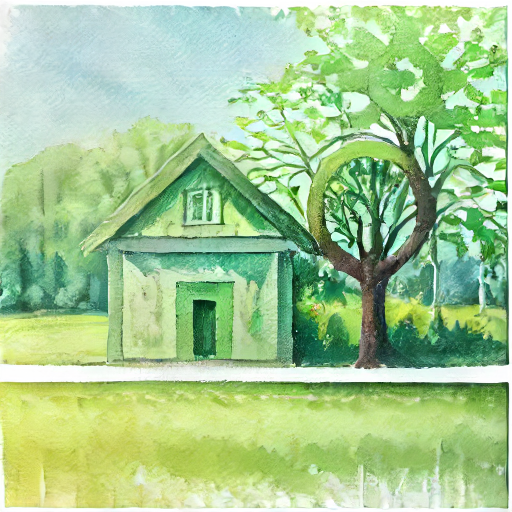
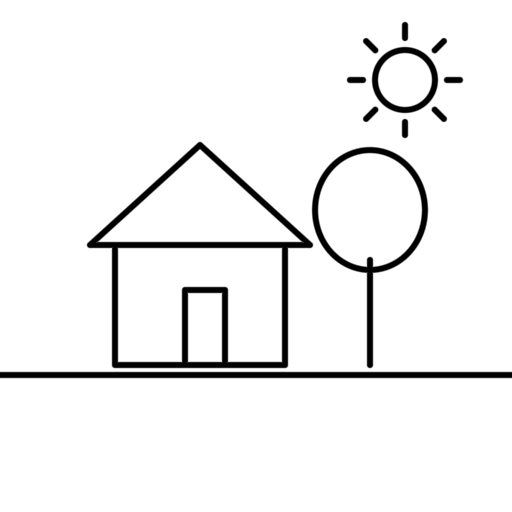
No perfect lines required. Start with what you have in mind and see where your drawing takes you.
Pick a color and make your mark. A landscape, a tiny creature, or just a happy accident. Your sketch is the starting point.
Try watercolor, oil, realistic, anime, or fantasy styles. Add an optional description to help guide the result.
Add details and independent object layers. Return to saved drawings, explore another style, or share your finished painting.
Soft washes or richer brushwork. Give the same idea a different expression.
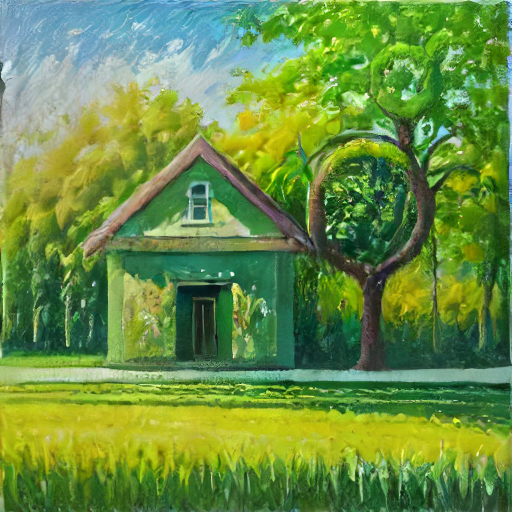
Real saved examples from the app’s tutorial. Results vary with your sketch, style, and settings; generated paintings may change details or composition.
Painting generation happens locally. Sketch Bloom does not upload your drawings, paintings, or descriptions for processing. Download the creative tools once, then create offline.
Optional Google Analytics usage collection is on by default and can be switched off in Settings. It never includes your artwork or descriptions.
Read our Privacy Policy ↗First setup needs internet and about 1.35 GB for the essential tools. Initial preparation can take several minutes. Optional faster tools need additional storage.
Get help with your creative tools, ask about privacy, or tell us what you’d love to make next.
Say hello ↗support@excalibolt.com